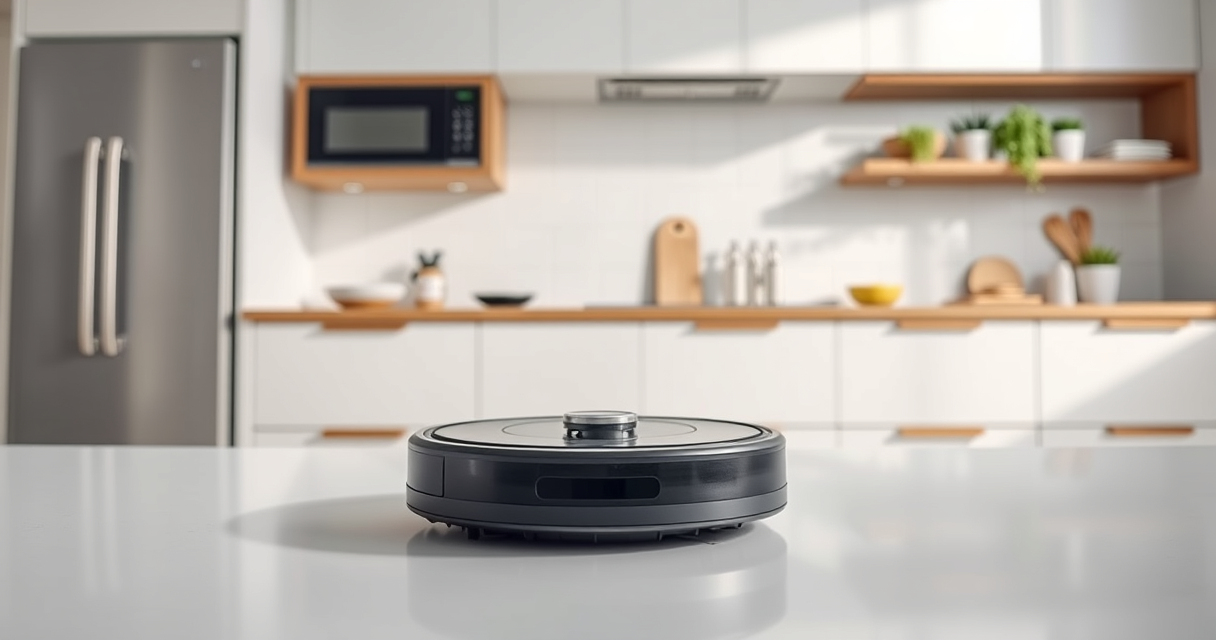
If your Roborock Q7 M5+ robot vacuum keeps getting stuck during cleaning, it can be frustrating and reduce its effectiveness. Fortunately, most issues are fixable with simple troubleshooting steps. This guide provides clear, safe instructions to identify and resolve common causes of getting stuck, helping your robot navigate smoothly again.
Before starting, ensure your vacuum is updated with the latest firmware and that you have basic tools like a cloth, a brush, and possibly replacement parts if needed.
Key Takeaways
| Clear Obstacles | Remove objects and clutter from the robot’s path. |
| Check Sensors | Clean and verify the robot’s sensors for proper function. |
| Inspect Wheels & Brushes | Ensure wheels and brushes are free of tangles and debris. |
| Update Firmware | Keep the vacuum’s software current for optimal navigation. |
Step 1: Clear the Path and Remove Obstacles
- Inspect the area where the vacuum gets stuck. Remove any small objects, cords, or rugs that could impede movement.
- Check for thick carpets or uneven surfaces that may confuse the navigation system.
Step 2: Clean Sensors and Wheels
- Use a dry cloth or a soft brush to gently clean the sensors on the bottom and sides of the robot. Dirty sensors can cause navigation errors.
- Inspect the wheels and side brushes for hair or debris. Remove any tangles or buildup that could hinder movement.
Step 3: Verify and Update Firmware
- Open the Roborock app and check for firmware updates; install any available updates to improve navigation algorithms.
- Restart the robot after updating and observe if the issue persists.
Step 4: Check for Mechanical Issues
- Ensure the wheels spin freely and are not obstructed.
- Inspect the main brush and side brushes for tangles or hair build-up. Clean or replace if necessary.
Additional Tips and Warnings
- Regular maintenance, like cleaning sensors and brushes, reduces the chance of getting stuck.
- Avoid high-pile carpets or rugs with fringes in the robot’s primary path.
- Do not forcibly move the robot if it’s stuck; check for obstructions instead.
The Products in This Guide

roborock Q7 M5+ Robot Vacuum and Mop
- ✔ Model: Q7 M5+
- ✔ Color: Black
- ✔ Weight: Approx. 4.4 kg

4 Pack Washable Filter
- ✔ Material: HEPA
- ✔ Washable: Yes
- ✔ Number of Filters: 4
roborock Q7 M5+ Robot Vacuum and Mop
The Roborock Q7 M5+ Robot Vacuum and Mop is a high-performance cleaner with 10000Pa suction, a dual anti-tangle system, and PreciseSense LiDAR navigation. Its self-emptying feature supports up to 9 weeks of hands-free cleaning.
Pros:
- Powerful suction
- Long-lasting self-emptying
- Effective anti-tangle system
- App control and navigation
Cons:
- Higher price point
- Requires regular sensor cleaning
- Can be bulky in tight spaces
Best for: Pet owners and homes needing deep, thorough cleaning with minimal maintenance
Not ideal for: Small living spaces or those requiring minimal navigation complexity
Bottom line: A powerful, self-emptying vacuum ideal for pet hair and large homes.
4 Pack Washable Filter
This 4-pack washable HEPA filters for Roborock models including Q7 and Q5 Max+ ensure your vacuum maintains optimal suction and air quality. Easy to install and clean, they are a cost-effective way to extend your vacuum’s performance.
Pros:
- Reusable and washable
- Compatible with multiple models
- Maintains suction power
- Easy to install
Cons:
- Needs replacement every few months
- Not OEM but highly compatible
- Requires regular cleaning
Best for: Homeowners wanting cost-effective filter maintenance
Not ideal for: Those seeking OEM-certified filters only
Bottom line: Reliable, washable filters that help keep your vacuum performing at its best.
Frequently Asked Questions
Why does my Roborock keep getting stuck on the same spot?
This may result from dirty sensors, obstacles, or uneven surfaces. Cleaning the sensors and clearing the area can often resolve this.
How often should I clean the robot’s sensors and brushes?
It’s recommended to clean the sensors weekly and check the brushes for hair or debris after each major cleaning session.
Can firmware updates fix navigation issues?
Yes, keeping your Roborock updated through the app can improve navigation and fix bugs that cause it to get stuck.
What should I do if my robot’s wheels won’t spin freely?
Check for hair or debris around the wheels and remove any obstructions. If wheels are still stiff, contact support or consider replacing them.
Keep Your Roborock Moving Smoothly
Regular maintenance, obstacle removal, and software updates are key to preventing your Roborock vacuum from getting stuck. By following these troubleshooting steps, you can ensure your robot navigates your home efficiently, providing consistent cleaning performance. Remember, proper care extends the lifespan and effectiveness of your device, making your smart cleaning investment worthwhile.
Affiliate disclosure: As an Amazon Associate we earn from qualifying purchases. Prices and availability are accurate as of the time of publishing.