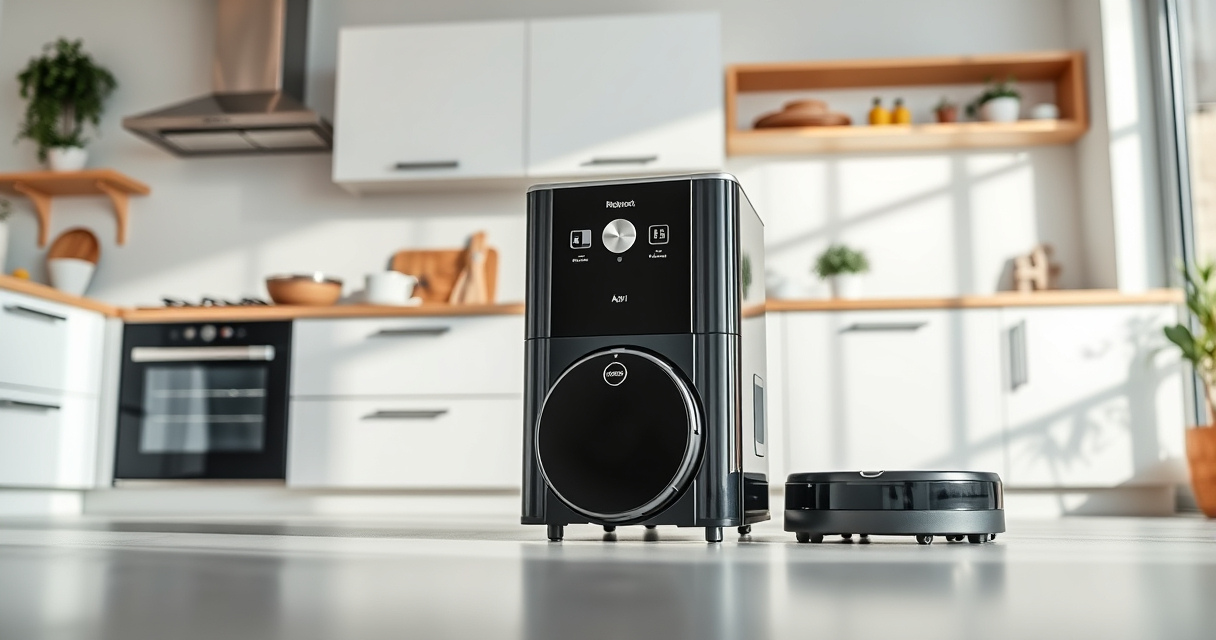

Maintaining your Roborock Q7 M5+ robot vacuum is essential for optimal performance and longevity. Regular upkeep ensures your device continues to clean thoroughly, avoids breakdowns, and prolongs its lifespan. This guide provides clear, practical steps for routine maintenance, troubleshooting common issues, and replacing parts when needed.

Get home appliances delivered free with Prime
- Fast, free delivery on millions of items
- Prime Video, Amazon Music and more included
- Member-only deals all year
Whether you’re a new user or a seasoned owner, following these detailed instructions will help you keep your Roborock working at its best. Safety tips and expert advice are included to prevent damage and ensure safe handling during maintenance.
Key Takeaways
| Longer Cleaning Cycles | Regularly clean and replace filters for optimal suction and air quality. |
| Avoid Tangles | Maintain the anti-tangle system and check brushes to prevent hair jams. |
| Battery & Charging | Ensure charging contacts are clean for reliable power. |
| Troubleshooting | Identify and fix common issues like navigation errors or poor suction. |
| Part Replacement | Use recommended filters and mop pads to maintain cleaning quality. |
Preparing for Maintenance
- Turn off and unplug your Roborock Q7 M5+ before starting any maintenance.
- Gather necessary tools: soft cloth, brush, replacement filters, and mop pads.
- Inspect your device for obvious dirt, hair tangles, or debris on brushes and sensors.
Cleaning the Main Brush and Anti-Tangle System
- Remove the main brush by unlocking the brush cover according to your model’s manual.
- Use a brush or cloth to clear hair, dust, and debris from the JawScrapers brush and side brushes.
- Check the dual anti-tangle system, removing any hair entanglements from the side brushes and the main brush.
- Reassemble the main brush securely.
Replacing Filters and Mop Pads
- Remove the dust bin and take out the filter assembly.
- Wash the washable HEPA filters (if applicable) with water, then let them dry completely before reinstalling.
- Replace filters with a new 4 Pack Washable Filter set for optimal performance.
- Remove used mop pads and replace with new or clean ones, such as the VIEWALL 6 Pack Reusable Mop Pads or the 8 Pack Mop Pads for thorough cleaning.
Maintaining Sensors and Charging Contacts
- Wipe the PreciSense LiDAR navigation sensor gently with a soft, dry cloth to keep navigation accurate.
- Clean charging contacts on the robot and dock station to ensure reliable charging.
- Inspect for any dirt or dust that could interfere with operation and clean as needed.
Troubleshooting Common Issues
- Suction Loss: Check for blockages in the suction pathway and clean filters.
- Navigation Errors: Clean sensors and ensure the LiDAR is unobstructed.
- Battery Problems: Clean charging contacts and replace batteries if needed.
- Device Not Docking: Ensure the dock station is clean and aligned properly.
The Products in This Guide

roborock Q7 M5+ Robot Vacuum and Mop
- ✔ Max Suction: 10,000Pa
- ✔ Dust Capacity: 2.7L
- ✔ Battery Life: Up to 9 weeks

4 Pack Washable Filter
- ✔ Pack Size: 4 filters
- ✔ Compatibility: Multiple Roborock models
- ✔ Washable: Yes
roborock Q7 M5+ Robot Vacuum and Mop
The Roborock Q7 M5+ offers powerful suction up to 10,000Pa, a self-emptying dust bag, and advanced navigation. It’s designed for pet owners and busy households seeking minimal maintenance.
Pros:
- Up to 9 weeks of self-emptying
- Powerful 10,000Pa suction
- Dual anti-tangle system
- App control and smart navigation
Cons:
- Higher price point
- Requires regular filter replacements
- May need manual sensor cleaning
Best for: Pet owners and homes with high debris volume
Not ideal for: Light cleaning needs or budget-conscious users
Bottom line: A high-performance robot vacuum ideal for pet households with long-term self-emptying convenience.
4 Pack Washable Filter
This 4 Pack Washable Filter set is compatible with multiple Roborock models, including the Q7 and Q5 Max+. They provide effective filtration, are easy to install, and washable for ongoing use.
Pros:
- Effective HEPA filtration
- Reusable and washable
- Easy to install
- Compatible with many models
Cons:
- Not OEM, so may vary slightly in fit
- Requires regular washing to maintain performance
- Filters can degrade over time
Best for: Maintaining air quality and filter hygiene
Not ideal for: Single-use filter users or very infrequent cleaning
Bottom line: A cost-effective, eco-friendly way to keep your vacuum’s air filtration in top shape.
Frequently Asked Questions
How often should I clean the main brush?
Inspect and clean the main brush weekly to prevent hair and debris buildup, especially if you have pets.
Can I wash the filters?
Yes, the filters are washable. Rinse them with water, let them dry completely before reinstalling to maintain filtration efficiency.
What should I do if my vacuum isn’t charging?
Check and clean the charging contacts on both the robot and dock station. Ensure the dock is plugged in and unobstructed.
How do I troubleshoot navigation errors?
Clean the LiDAR sensor gently with a soft cloth and remove any obstructions around the sensor area to restore proper navigation.
Is self-emptying maintenance difficult?
No, the 2.7L sealed dust bag reduces the frequency of emptying. Just check periodically and replace the bag when full.
Keep Your Roborock Running Like New
Regular maintenance of your Roborock Q7 M5+ ensures it performs at its best, saving you time and effort. By following these simple cleaning, replacement, and troubleshooting steps, you can extend the lifespan of your vacuum and keep your home spotless with minimal hassle.
Remember to use recommended filters and mop pads for optimal results, and don’t hesitate to address issues promptly to prevent bigger problems down the line. A well-maintained Roborock is a reliable cleaning companion for years to come.
Affiliate disclosure: As an Amazon Associate we earn from qualifying purchases. Prices and availability are accurate as of the time of publishing.
Halloween Picks
halloween
As an affiliate, we earn on qualifying purchases.